Returns Center Guide: Return Policies, the RMA Flow, and Disposition
How returns centers and 3PL reverse-logistics operators set return policies once, run the RMA flow, inspect arrivals, and decide between re-stocking and disposal.

This guide is for returns centers and 3PLs running reverse logistics for sellers: parcels come back, somebody has to decide what each one gets — refund, restocking fee, re-stock, or disposal — and the seller wants the accounting to be exact. In Docklify, that decision is not made parcel by parcel from gut feel. You write the rules once as return policies, and the RMS flow applies them to every RMA.
Step 1: Write the return policy once#
- A policy is a rule card: who it applies to (a client, a category like electronics, both, or everyone), the return window in days (30 by default), the restocking fee percentage deducted from the refund (0 means none), what the customer must bring, and whether small, clean returns may skip manual review.
- Start with one catch-all policy that covers everyone, then add stricter or looser cards for specific clients or categories. The system matches each return to a policy by priority and tells you three things: whether it can be returned, the restocking fee, and auto-approve or manual review.
Step 2: Receive, inspect, and decide the disposition#
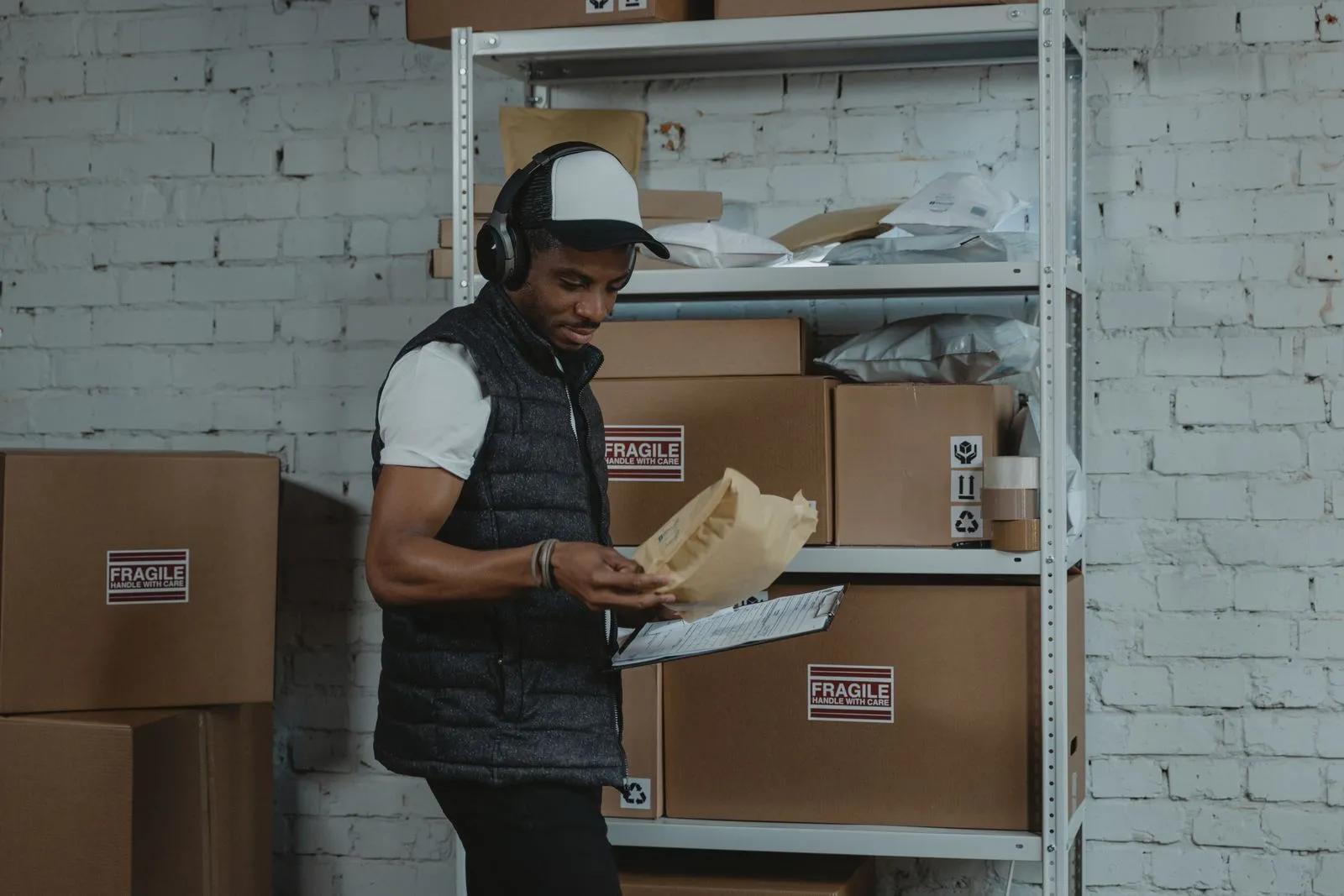
- Returns come in against an RMA. Open it, scan what actually arrived, and confirm the condition line by line — what was authorized and what showed up are often two different things.
- Sellable goods go back to stock through the normal putaway flow and become available inventory again. Unsellable goods leave through disposal, with the outcome recorded on the RMA so the seller’s statement stays honest.
- Variances — wrong item, missing parts, obvious wear — go through variance handling against the policy (refund adjustment, fee, or rejection), instead of being absorbed silently by the warehouse.
Step 3: Watch the returns dashboard, not just the pile#
The returns dashboard shows how returns are really doing — volume, reasons, and outcomes per client. That is the data you take back to sellers: when one product’s returns spike, the fix is usually upstream (listing, sizing, packaging), and the center that surfaces the pattern first is the one that keeps the contract.