Assembly & Light Manufacturing Guide: BOMs, Work Orders, and Virtual Kits
How assembly shops and kitting operators run BOMs, work orders, and quality checks on Docklify — stock-built, order-built, and virtual kits.
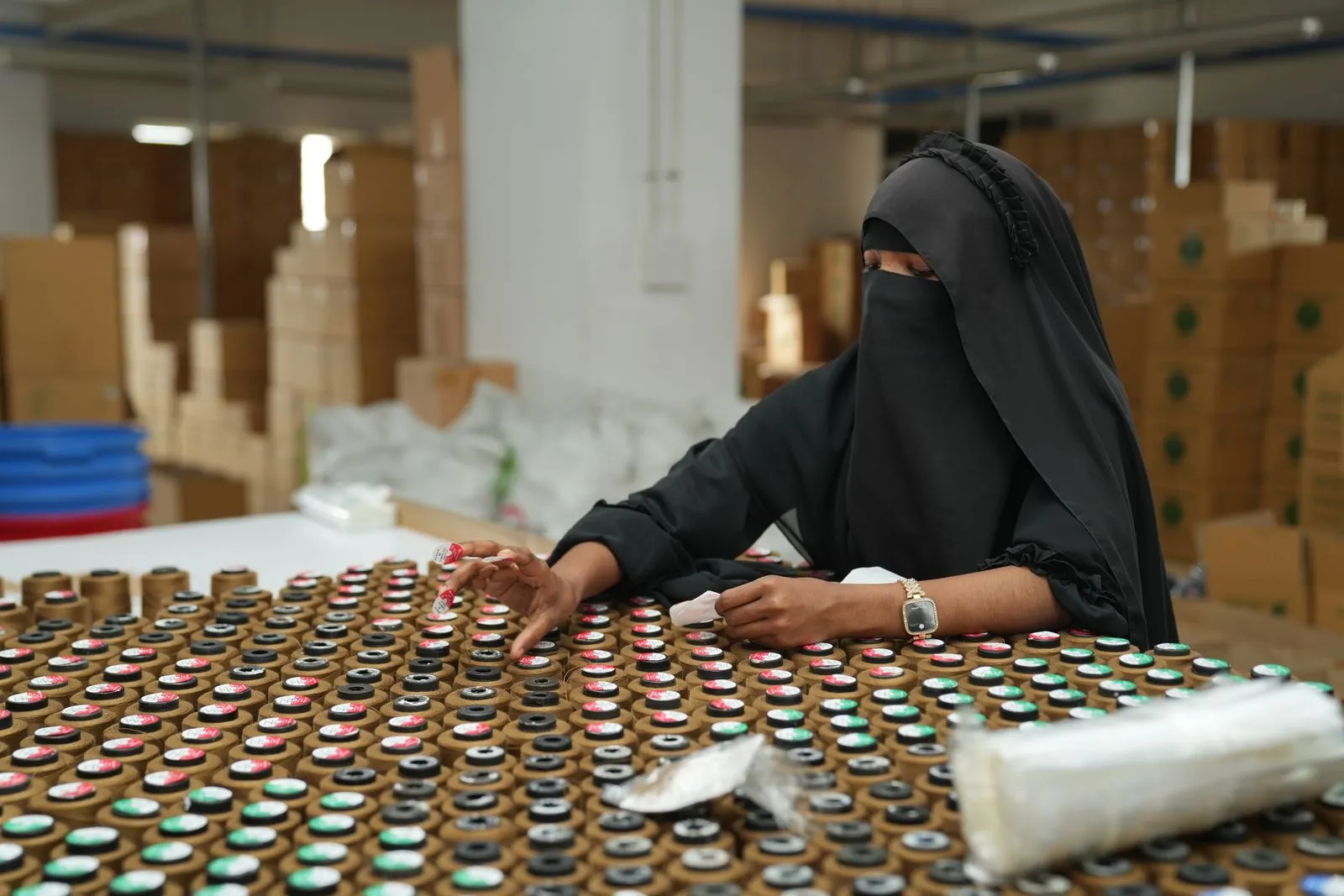
This guide is for light manufacturers, assembly shops, and kitting operators who build finished goods from components inside the warehouse. The flow: define the BOM → run a work order (pick components, assemble, inspect) → finished goods go to stock or straight out the door. Docklify covers the whole loop, including taking kits apart again.
Step 1: Build the BOM and pick your assembly mode#
- Create the BOM in WMS → BOM Management: pick the finished product, add component lines (SKU, quantity, scrap rate). BOMs are versioned — only one version is active at a time, and activating a new version archives the old one automatically. Use “where used” to see every BOM a component appears in.
- Stock assembly (MTS): build ahead of demand. You create the work order manually, assemble, and the finished goods go into stock.
- Order assembly (MTO): when an outbound order line is a kit with an active BOM, the system creates the work order automatically and links it to the order; finished units ship directly without going into stock.
- Virtual kit: the finished product is never stocked at all — at order time the system explodes the BOM and picks the components. Best for slow-moving bundles you do not want to pre-build.
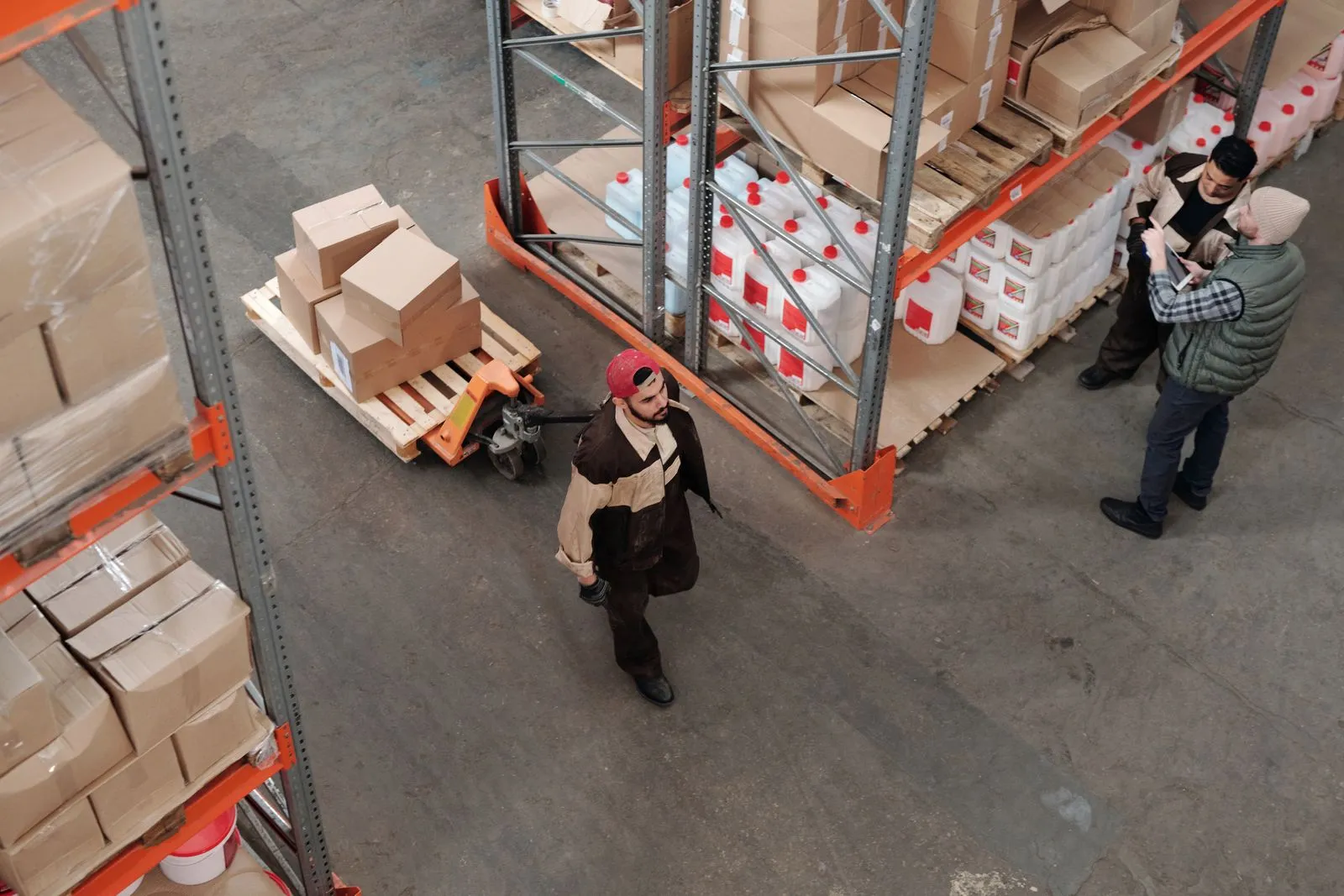
Step 2: Run the work order through its six statuses#
- Draft → Picking: on desktop (WMS → Assembly Work Orders) or mobile, start picking. Components are picked line by line to a staging location; the order tracks picked quantity per component.
- Assembling: assembly can only start once components are fully picked. At the work center, operators build against the BOM; consumption is recorded when the order completes.
- Quality check → Completed: QC either passes the batch to completion (record finished quantity and scrap quantity) or fails it back to assembly for rework. Any unfinished order can still be cancelled.
Traceability and teardown#
Component consumption and lot traceability are recorded at completion time, so every finished unit can be traced back to the component lots that went into it — the record you need when a customer reports a defect months later. The same BOM also drives disassembly orders: a returned or unsold kit can be broken back down into components and returned to component stock.