Store Delivery Guide: Store Address Book, Milk Runs, and Load Tasks
How distributors replenishing retail stores set up store profiles with delivery windows, fix repeating milk-run routes, and load trucks in reverse drop order.
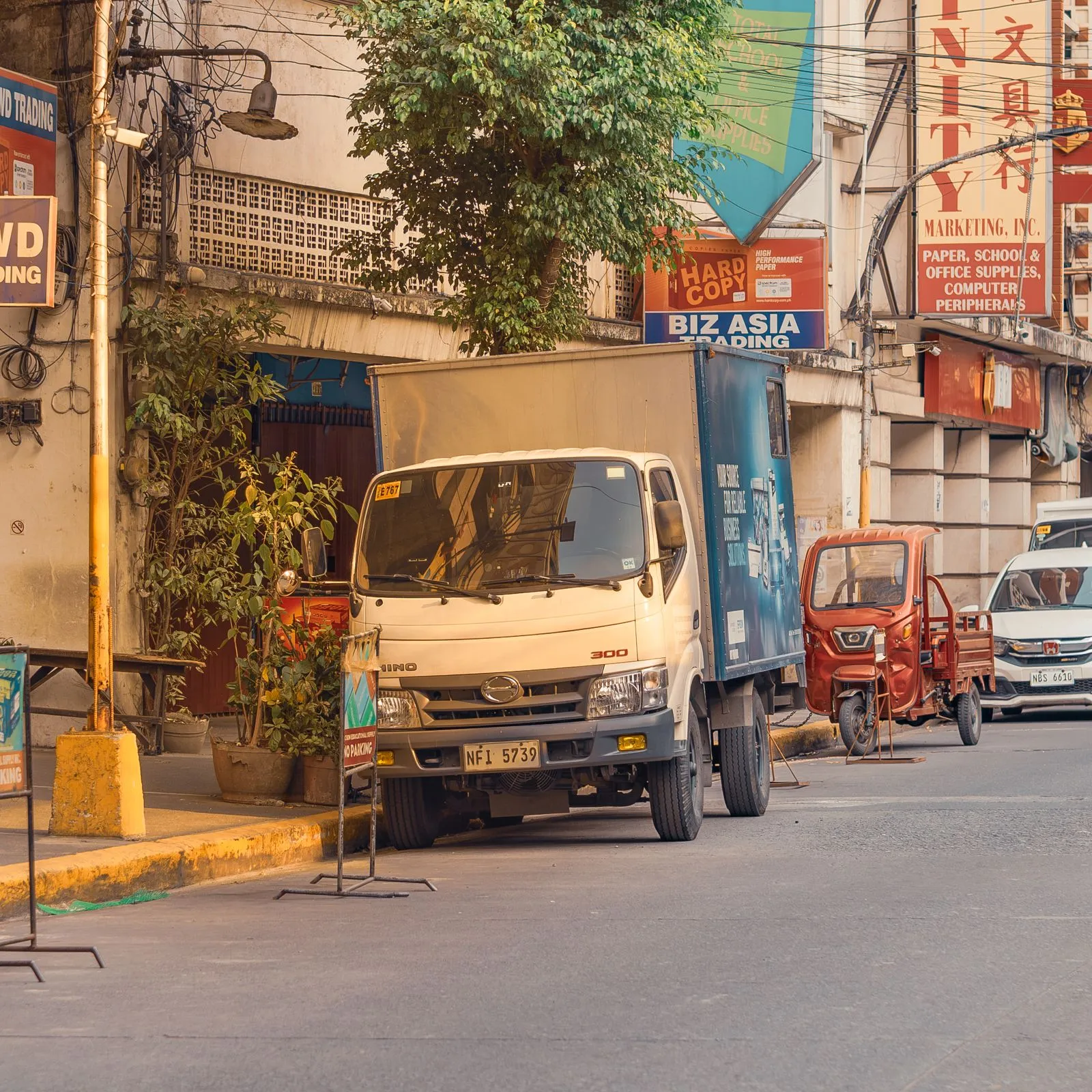
This guide is for distributors and brand operators who replenish their own retail stores or dealer outlets on a fixed rhythm — the classic milk run: one truck, a fixed set of stores, always in the same order. In Docklify, stores live in the client address book, routes are milk runs, and loading is enforced by load tasks so the truck is always packed in reverse drop order.
Step 1: Put every store in the address book#
- Stores are address-book entries with the type “store” (Master Data → client address book): name, contact, phone, full address, and geo coordinates. The same book also holds DC, office, and returns addresses — one client, one book, entries told apart by type.
- Fill the store-only fields while you are there: store number and the delivery time window. The window goes on the store profile — not in the driver’s head — so dispatch and the store both see the same promise.
- On outbound and sales orders, pick the receiving address straight from the client’s address book after choosing the client — or type a one-off address and tick “save to address book” so it is there next time.
Step 2: Fix the route as a milk run#
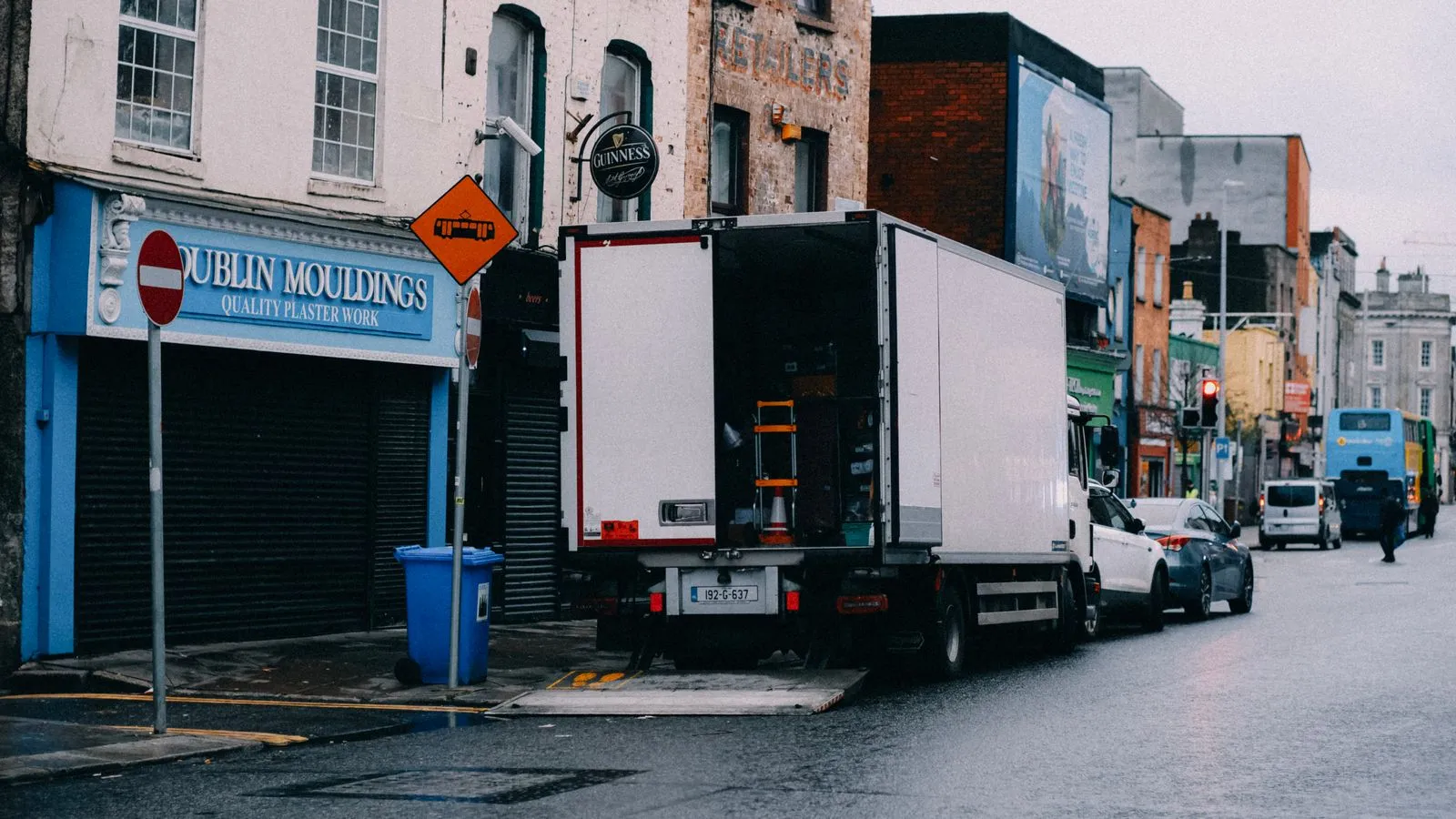
A milk run defines the delivery sequence for a set of stores. Once the run exists, each day’s replenishment orders for those stores are grouped onto a Load in that exact sequence — the sequence is not a suggestion, it drives how the truck gets loaded. When a store opens or closes, edit the run once and every following day inherits the change.
Step 3: Load with a load task — last drop goes in first#
- Generate a load task from the Load and assign it to a worker and a dock door. The worker runs it on mobile in two steps.
- Step one — collect and photograph: enter plate number, driver name, and seal number, and photograph the empty truck bed before loading. That photo is your evidence of the truck’s condition if a damage claim comes later.
- Step two — scan LPNs in load order: the task walks the worker through the pallets in the milk-run sequence, so the last store’s goods go in first and the first store’s come off without digging. The order is enforced by scanning, not by memory.