Admin: the tenant control center
Last updated 2026-10-14
Dashboards, app enablement, AI usage controls, the print center, and scheduled-job logs — the admin side of your tenant.
Admin is where you manage the settings of your whole tenant (your company): plan and billing, which apps are turned on, AI usage, printers. Anything shared by all employees lives here. This is not the platform Ops console — that one is for the Docklify team; Admin is your own company’s control center.
What these pages cover#
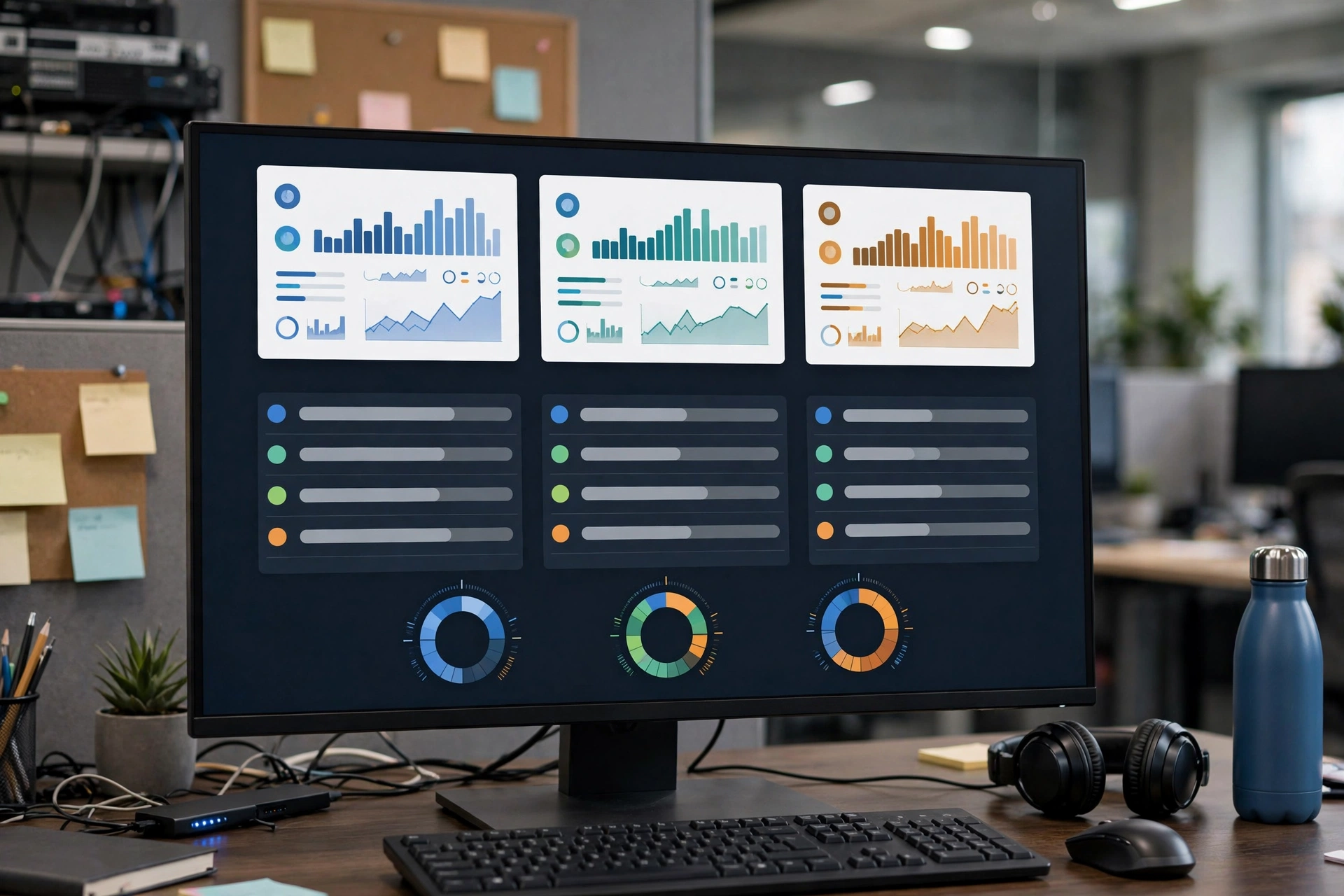
- Dashboard: KPI cards, subscription & billing, resource usage (SMS / storage / AI tokens), plus 30-day trends and alerts — your first screen every morning.
- App enablement: turn the tenant’s apps on or off. Admin itself is locked on so you can never lock yourself out; disabled apps disappear from the app switcher and are blocked on direct access.
- AI usage controls: per-app AI switches and token usage by app, plus AI token add-on packages when you run low.
- Print center: the print job queue (cancel queued jobs, reprint failed ones) and printer/device management (online status, Hub pairing) — all apps print through here.
Scheduled-job run logs#
Wondering whether a background job ran last night? Open Admin → Scheduled Jobs: this page shows your tenant’s cron run logs (job name, when it ran, how long it took, success or failure, and any error message), filterable by job, status and date.
Fine-grained role permissions (who can see which page or button) are currently switched off platform-wide — login and organization membership are still enforced. They will be configured uniformly once all features are complete. Export is a separate permission point: without it, export buttons are hidden, not greyed out.