CMP-06 Hazmat & Incident Log
Battery and hazmat incident records by status and SKU.
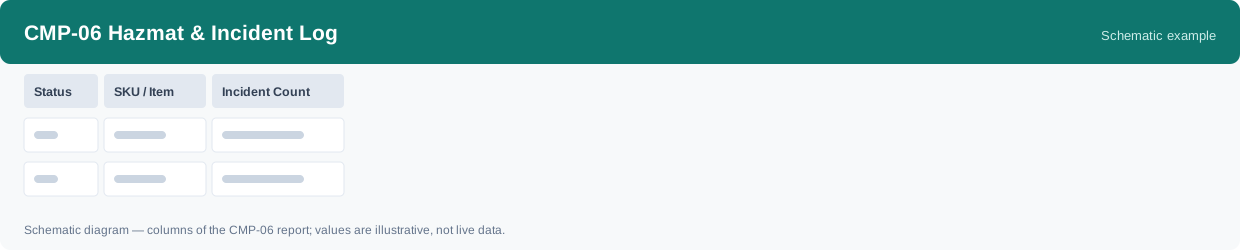
This report shows battery and hazmat incident records by status and SKU: how many incident records fall under each status for each SKU. It uses real-time data, so the counts reflect the incident records as they stand when you run it.
What this report is for#
Use it as the incident ledger view: how many battery incident records there are, which SKUs they belong to, and how they spread across the reported, handling and closed statuses. The hazmat handling configuration itself is not maintained here — it lives on the hazmat settings page, as the counting notes below state.
How the numbers are counted#
Counts battery incident records (reported / handling / closed). Hazmat handling configuration itself is maintained on the hazmat settings page, not in this log.
Each row is one status and one SKU.
Dimensions and filters#
- Status — the current status
- SKU / Item — the product
- Incident Count — how many incident records in the group
- Filters you can set: Date range
How to read it#
Read the statuses side by side for the same SKU: records still in reported or handling are incidents not yet closed, while closed records are finished. This log counts incident records only — if what you need is the hazmat handling setup itself, go to the hazmat settings page instead.
Typical uses#
- Review how many incident records are still open, by status
- See which SKUs the incident records belong to
- Follow up on records in reported or handling status
Reports features used in this article: pick this report in Reports, set the date range or warehouse filter and click Run to see the result; use Export to download the result as a CSV file; or use Subscribe to have the same view sent to your inbox on a schedule.
Note on subscriptions: your subscription and its filters are saved right away. Scheduled email delivery is being switched on in stages — sending starts as soon as delivery opens for your organization.