Drayage: port container shuttling — guide
Last updated 2026-10-14
Move containers between port and warehouse: orders, quotes, dispatch, tracking, and invoicing.
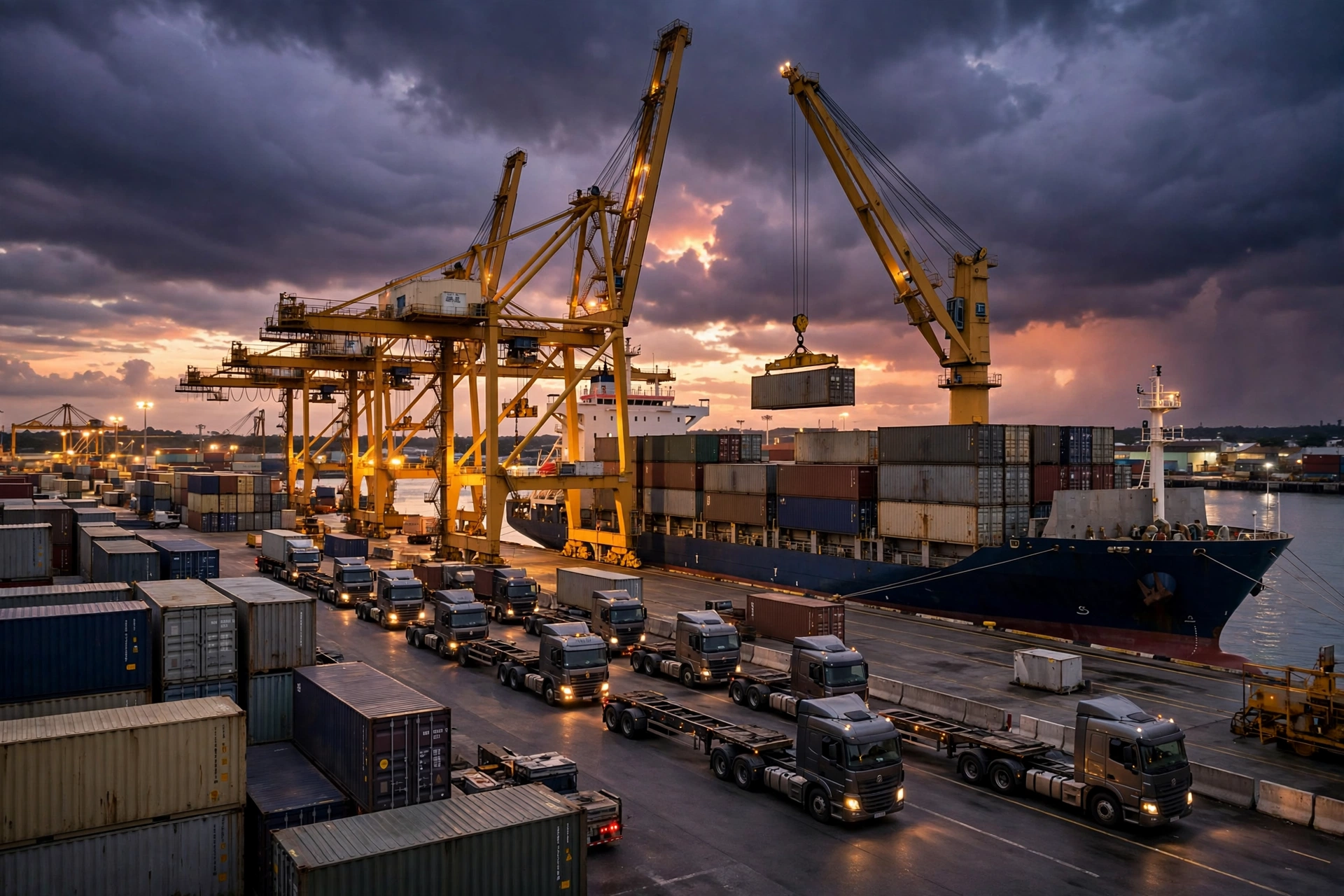
Drayage is short-haul container shuttling between the seaport (or rail ramp) and warehouses — pulling import boxes out of the terminal, returning export boxes, dropping off empty containers, or repositioning chassis. This page is the map: start with the sub-page you need below.
The 4 sub-pages, one pipeline#
- Drayage orders (DRY-) — create the container move: import pull, export return, empty return, or chassis reposition, with pickup/delivery points and container details.
- Drayage quotes (QT-) — price the move before it runs: base rate plus accessorials; an accepted quote can spawn the order.
- Drayage dispatch — watch the board, assign an available driver and chassis, and let Street Turn pair import empties with export needs to save an empty leg.
- Drayage tracking & billing — follow the container (vessel, discharge, customs hold, last free day), then invoice (INV-): base + detention + per-diem lines.
The flow in 30 seconds#
- Create the order (DRY-) or a quote (QT-) first.
- Dispatch: assign an available driver and chassis; they flip to on_job / in_use.
- Execute: the driver advances statuses from the mobile app with GPS.
- Track free time and auto-accrue per-diem; finish, then invoice (INV-).
New to drayage? Start with the orders page, then dispatch. Quotes are optional — many operators create the order directly.